Could Not Establish A Secure Connection For SSL TLS With Authority
 Gabriel Cooper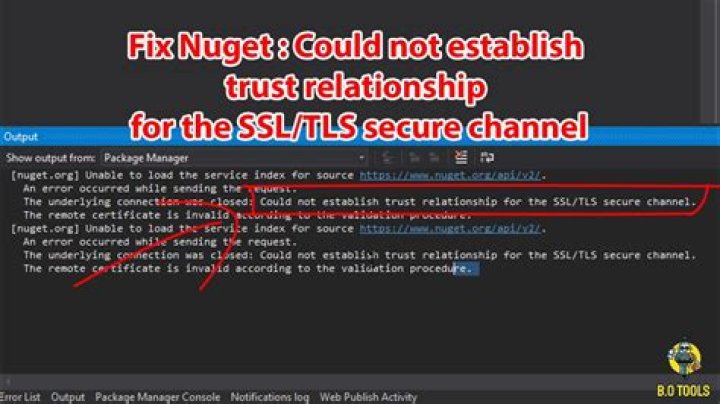
Most of the web developers will be familiar with this error message “server is unable to process request: Could not establish a secure connection for SSL tls with authority”. Silky Terrier Dog Breed Playing Around
In this article, we will discuss the causes of the error and what are its suggested solutions.
Causes
The first step is to understand the causes.
- The primary reason for the error is due to the untrusted certificates or self-signed certificated installed on the servers that developers trying to connect.
- Most of the time it can be due to human error the developer failed to provide a correct path of the certificates.
- The expiration of the certificate can also be responsible for the certificate.
Detection of the Error
The second step is to identify the root of the error, this can be possible by running troubleshoot command on your browser.
The error message displayed on the browser will navigate you to the root of the error.
Solutions of the Problem
- Change the configurations
<bindings>
<basicHttpBinding>
<binding name=”xxxBinding”>
<security mode=”Transport”>
<transport clientCredentialType=”Certificate”/>
</security>
</binding>
</basicHttpBinding>
</bindings
- Sometimes the third party API server need TLS 1.2 to resolve the issue.
System.Net.ServicePointManager.SecurityProtocol = System.Net.SecurityProtocolType.Tls12;
- By providing permission to the app tools
- Changing the WSDL file reference
<MetadataSource Address=”C:\Users\Me\Repo\Service.wsdl” Protocol=”file” SourceId=”1″ />
<MetadataFile FileName=”Service.wsdl” … SourceUrl=”file:///C:/Users/Me/Repo/Service.wsdl” />




