How To Connect Supertooth Buddy Bluetooth
 Caleb Butler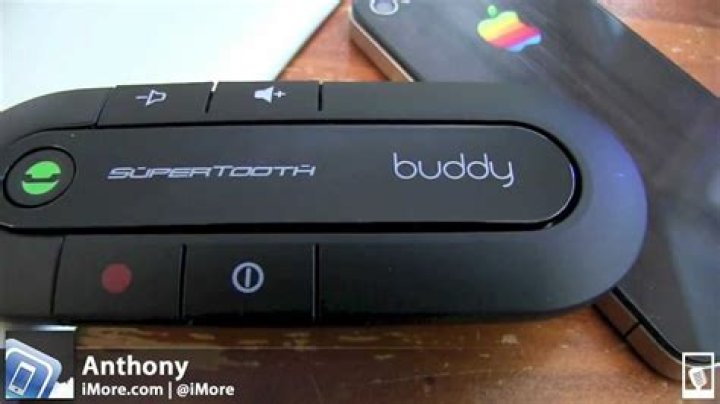
Supertooth Buddy Bluetooth is a small speakerphone system, designed for those customers who have multiple devices. The Supertooth system can pair up to two I phone devices at a time.
Silky Terrier Dog Breed Playing Aro... Silky Terrier Dog Breed Playing AroundApart from all the efficient features, the device has some drawbacks it does not support the FM transmitter and for the second device, you have to compromise on the functionalities.
In this article, we will discuss how you can connect Supertooth Buddy with your Bluetooth device.
But before applying any action please makes sure your devices are fully charged.
Steps to Pair your device
- Press and hold the ON/OFF button of Supertooth for 10 seconds
- After some time the device started to blinking red/blue
- This shows the device is ready to be paired
- On your Bluetooth device switch on Bluetooth and make sure it’s in the discovery mode
- The ST buddy device will be shown on your screen
- Select the device
- The pop-up message will appear to input the password
- The default password is 0000
- Input the passcode
- Your device is paired successfully




