How To connect Yoosee Camera With Wi-Fi
 David Wilson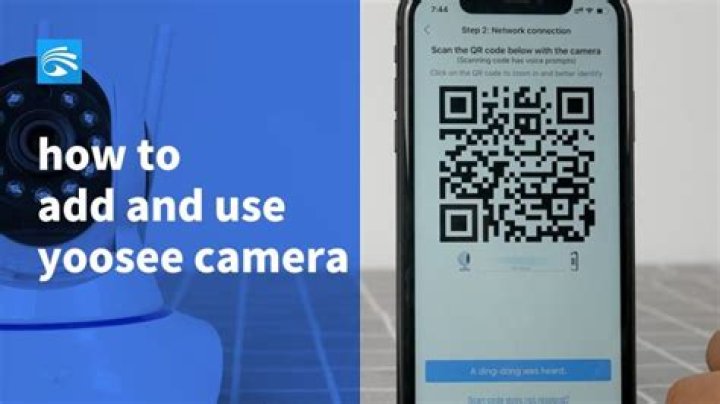
In this article, we will discuss how you can connect the Yoosee Camera to Wi-Fi. Before applying please download the Yoosee App on your mobile device and make sure your mobile device is charged.
Silky Terrier Dog Breed Playing Aro... Silky Terrier Dog Breed Playing AroundSteps to Connect Yoosee camera with Wi-Fi
- Install the Yoosee App from the App store
- Open the App
- Registered for an account
- Then Click on Add devices
- Then select Fast Networking
- Select the Wi-Fi and enter the authentication details
- Click Next
- The device will enter in configure process
- Registered the device on the server
- Shared the Video streaming with Friends or family members
- Your device is connected successfully with Wi-Fi




