How To Replace Mazda Key Fob Battery
 Robert King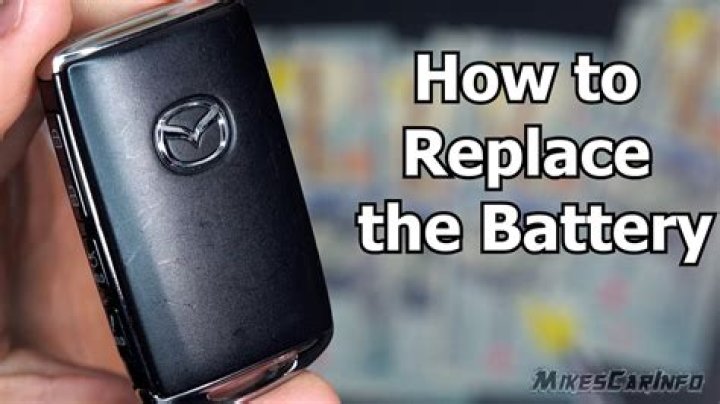
It can be annoying when your Mazda key fob isn’t working. You’re trying to unlock the car and it’s not working. This can be frustrating. Like virtually any battery, the battery in your Mazda’s key fob can decrease in performance or completely die which would require you to replace the battery. Exactly how does one open the Mazda key fob? Even though it is recommended you use a Mazda dealer that has certified technicians so that you don’t cause any damage to the key fob, you could also do it yourself. In this article, you will learn precisely how you can replace the battery for your Mazda key fob.
Silky Terrier Dog Breed Playing Aro... Silky Terrier Dog Breed Playing AroundWhat You Will Need
- Your key fob.
- A tape-wrapped flathead screwdriver.
- A replacement battery.
If you don’t know if the battery in your Mazda key fob is dead or at low power, there are some ways for you to know. If the KEY dashboard warning light illuminates right in the instrument cluster when the car engine is off, if the key fob and its functions or indicator light does not work, or if the key fob isn’t working from a far distance as it once did. If you notice these issues, then it’s very likely that the key fob is dead and should be replaced. Once you have all the necessary materials and tools that you need, you’ll be able to get started with replacing the key fob battery for your Mazda.
Changing Mazda Key Battery
Be sure to read owner’s manual for your Mazda so that you can better understand your key fob as well as how to change the battery. These steps to replace the Mazda key fob battery are updated for 2016 models. However, keep in mind that these could be different depending on the model of your car.
- To remove the auxiliary key, you will need to press the knob that is found on the back of the key fob.
- Take the flathead screwdriver that you have and put it directly into the opening. Next, twist it toward the end that is opposite to the opening so that you can loosen the cover of the key fob. Once you have successfully loosened the cover, you will have to insert the screwdriver into the gap you made outside of the key fob. After that, you should slide it down to the other end of the key fob, which will allow you to further loosen the cover so that you can remove it.
- Once you’ve removed the cover, you should take out the round battery cap. Next, carefully remove the battery. In case the rubber ring detaches during this particular step, you will need to ensure that you don’t scratch or damage it.
- If needed, you could reattach the rubber ring before you put in the new battery.
- Then, get a hold of the new battery and make sure that the positive side of the battery is facing the top part of the key fob. Next, you should insert it into the key.
- Replace the battery cap.
- Replace the cover for the key fob, which should easily snap back into place.
- Lastly, you will have to reinsert the auxiliary key.




