How to unlock frp lock in samsung j7 prime
 Sarah Silva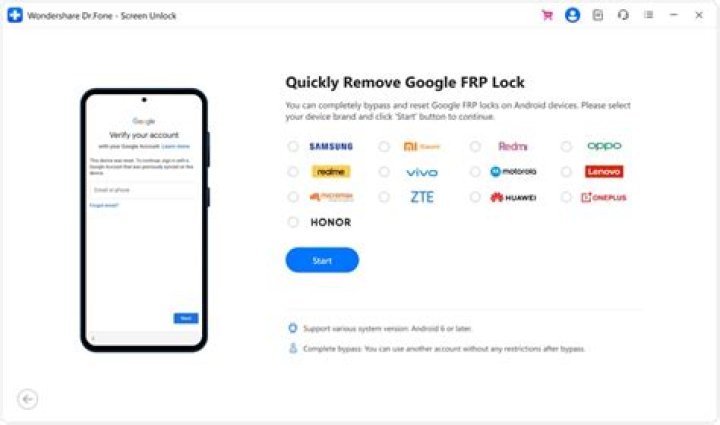
FRP is an additional privacy security feature included on all recent Android handsets. It prevents unwanted access to the phone. After a factory reset, if visitors forget the last active Gmail account on your handset, you’ll have to find out how to get it back.
Silky Terrier Dog Breed Playing Aro... Silky Terrier Dog Breed Playing AroundI’ll show you how to bypass FRP on the Samsung J7 Prime | How to Unlock Samsung SM-G610 Google Verification – Android 9 in this article (2020). Consequently, pay particular attention to the tasks listed below. FRP has just been added to the most recent Android versions besides Google (Lollipop 5.0, Marshmallow 6.0, Nougat 7.0, Oreo 8.0, Pie 9.0, 10 Q )
.FRP stands for factory reset protection, and it essentially safeguards Android users’ personal data and privacy in the event of a theft. When a user first connected his phone to his Gmail account, however, FRP has activated automatically. You must log in with the same Google ID and password that you used to set up the machine prior to doing the data wipe on the manufacturing plant. BYPASSFRPFILES.COM will show you how to bypass the Google account lock on your Samsung J7 Prime if it is stuck on the FRP lock verification screen The Samsung J7 Prime FRP Unlock technique is now accessible for free from here using any FRP bypass tool that works with your phone to quickly unlock FRP. I’ll show you how to remove the FRP lock from your smartphone using the most up-to-date FRP Bypass technique in this tutorial. Go to the system preferences and delete the Gmail account to eliminate the FRP lock on your Samsung J7 Prime.
To correctly off Factory Reset Protection, follow the methods following in their entirety: In the Accounts section of the Settings menu, pick your Gmail address =>> That’s the only thing I have to say about the subject. The account should be deleted.




