How to bypass google account on samsung j3 prime
 Rachel Davis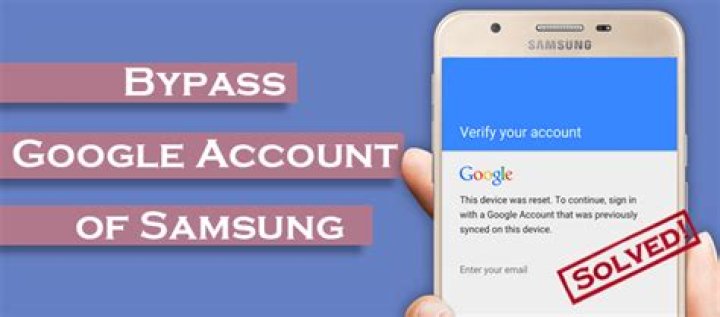
Essential Tools and Drivers
Silky Terrier Dog Breed Playing Aro... Silky Terrier Dog Breed Playing Around- WiFi Network.
- Sim-card with pin code initiated.
- Another Android phone that isn’t tied to a Google account
Turn on the SAMSUNG J327T Galaxy J3 Prime and associate with WiFi organization and progress to Google account confirmation screen.
- Insert sim-card to the SAMSUNG J327T Galaxy J3 Prime gadget.
- Stand by to see a screen with getting some information about pin code then, at that point, eliminate sim-card from telephone and simultaneously when you will eliminating card press the force button just a single time.
- Tap on the home screen button to see on telephone secured screen with a pop message about not endorsed in from arrangement wizard.
- Look down this message to open the notification menu.
- Press first on the settings button then, at that point, tap on a Bluetooth button in the notification menu to turn it on and look out for spring up the screen with search new Bluetooth gadget.
- Next, utilize another Android telephone and open the notification menu and turn on Bluetooth and search on it your Google account is locked SAMSUNG J327T Galaxy J3 Prime.
- In another telephone tap on your Google account locked telephone as you need to interface with it.
- On your SAMSUNG J327T Galaxy, J3 Prime Google account blocked telephone tap drop button to back to look through a Bluetooth screen.
Android Factory Reset Protection (FRP) is another security feature that has been implemented to a select number of Samsung devices running Android OS 5.1 or higher.
This element permits you to set up your gadget to keep others from utilizing it in case it’s been reset to plant settings without your consent. For instance, if your gadget is lost, taken, streaked, or cleaned, just somebody with your Google record or screen lock data can play out plant information reset and utilize the gadget.
At the point when a gadget is production line reset, the gadget can not be arranged without the client entering the Google Account related to the gadget (for hard reset) or screen lock data (for reset in Settings menu).
You can not get to the gadget without the right certifications. If your device has been reset to industrial facility settings without your permission, this Google account confirmation prevents unauthorized clients from accessing or using it (for instance, if your gadget is lost or taken). You should eliminate your Google account before delivering your gadget to Samsung or some other specialist co-op for administration and before resetting the gadget to processing plant settings.




