How To Connect Bluetooth To Toyota Sienna
 Andrew Davis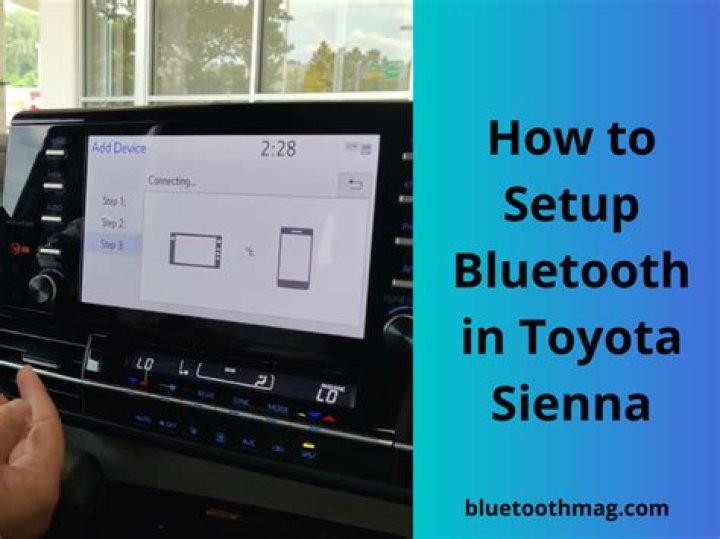
In this article, we will discuss how you can connect Bluetooth devices with the Toyota Sienna infotainment system. The Bluetooth is an essential safety device while driving, most accidents happen when a driver loses its concentration over the road the Bluetooth helps to maintain the concentration of the driver on the road.
Silky Terrier Dog Breed Playing Aro... Silky Terrier Dog Breed Playing AroundThe Toyota Sienna is available in two modes with or without a DVD navigation system; in this article, we will guide how you can connect Bluetooth in both moods.
Sienna with DVD navigation System
- On the steering wheel you will find the “End Call” button press it
- The Navigation system asks you whether you want to connect a mobile device
- Select Connect Phone
- Then select Add phone
- Switch on your Phone
- Then select Setting
- Make sure your Bluetooth is switch on and it’s in discovery mode
- Then on your infotainment system
- The name of your phone will be displayed
- Select the device
- Then a popup message will appear on your Bluetooth device to enter Passkey
- The passkey will be displayed on the infotainment screen, enter the Passkey on your mobile phone
- The mobile phone is successfully connected.
Sienna without DVD Navigation System
- Press the Voice command button
- Use your voice command to enable the process
- Use your voice command and say “Setup”
- Then press the voice command button and say “Phone Setup” and select Phone
- Make sure your Bluetooth is switch on and it’s in discovery mode
- From the Bluetooth device select the Sienna Bluetooth from the list of Bluetooth devices
- A pop message will appear on the Bluetooth device to enter the Passkey
- Enter the Passkey
- The Bluetooth is successfully connected




