How To Connect Envoy To WiFi
 David Wilson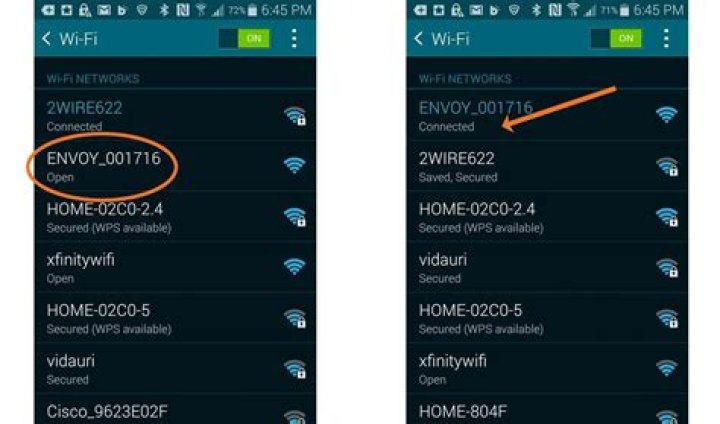
In this article, we are going to discuss how we can connect the Envoy device to a WiFi router
- The first step is to make sure that your Envoy device is powered on
- Now detect the type of connection your device support
- From the Enlighten overview pane select the Menu
- From Menu scroll down to System then search for site details, after selecting the site details
- Open the site details and check the type of connection in use
- Select the Connection type, it usually supports three types of connection (1) WiFi (2) Cellular (3) Ethernet




