How To Connect Sephia Bluetooth Headphones
 Andrew Davis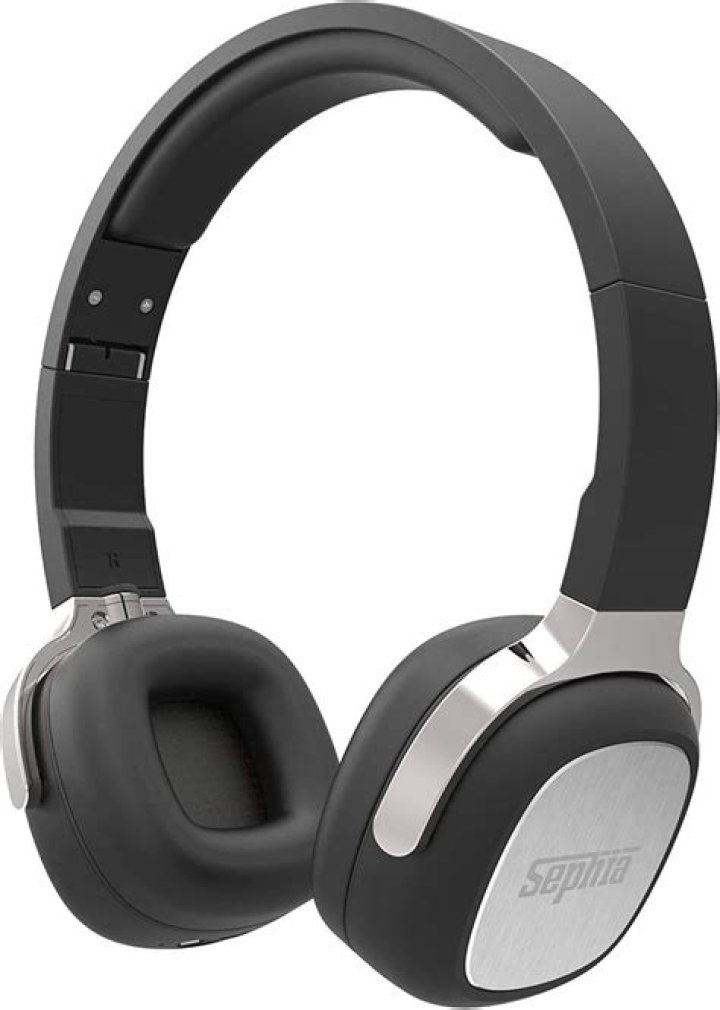
In the world of headphones, the Sephia name is considered one of the prominent brands. The headphone is compatible with almost every Android, Windows, Mac, and Apple device.
Silky Terrier Dog Breed Playing Aro... Silky Terrier Dog Breed Playing AroundIf you are looking for noise-canceling speakers then Sephia is the best choice you can have.
Specifications
- Bluetooth Version: Bluetooth 4.0
- Frequency Coverage: 2.402GHZ ~ 2.480GHZ ISM Band
- Sensitivity: -80dBm
- Channel: 70 Channels of 1MHz Band Width
- Contact Terms: Point-to-Point
- Transmit Range: 8-10M
- Frequency Response: 50HZ-20KHZ
- Status Indication: LED Indicator
- Battery: Lithium-Ion 3.7V 300mA
In this article, we are going to discuss how you can attach Sephia with a Bluetooth device. But before applying any actions please make sure your devices are fully charged and compatible with each other.
Steps To connect with Bluetooth device
Step#1 Power on the headphone the power button is present on the right ear cup
Step#2 Press and hold until the blue and red lights start to blink, this shows the device is ready to be paired
Step#3 Turn on the Bluetooth of your Bluetooth device
Step#4 Make sure it’s in the discovery mode
Step#5 the name of the Headphone “SX16” will be displayed on the Bluetooth device
Step#6 Select it
Step#7 Enter the code in your Bluetooth device
Step#8 an alert sound will be heard that the Bluetooth devices are successfully paired




